
ARRR Promotion
5日 之前•
看涨:
1
看跌:
0
共享
ARRR Promotion
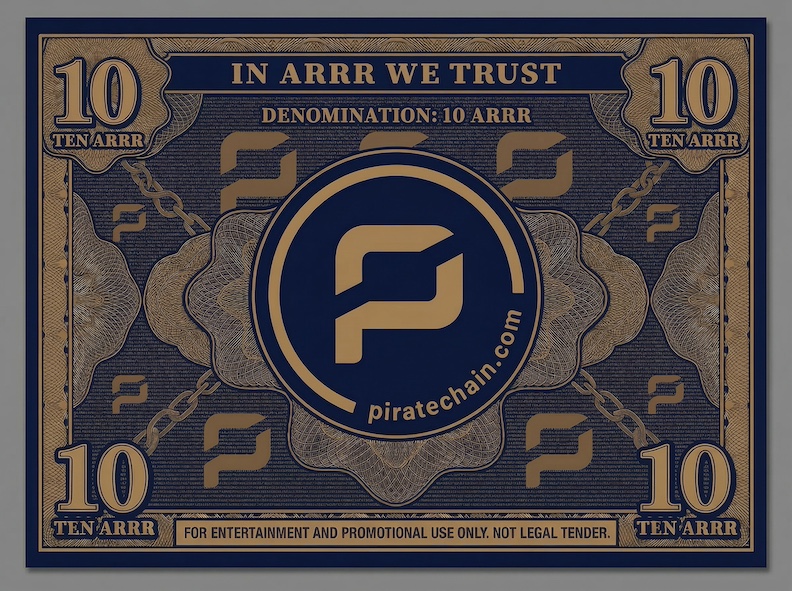
Download a Pirate Chain wallet and we'll help you practise a transaction by sending you 10 ARRR.
- Download a Pirate Chain wallet. (Download Edge App if you are new.)
- In your Pirate Chain (ARRR) wallet, select Receive.
- Copy the wallet address, or take a screenshot if your wallet displays a QR code.
- Send an email to marketing@piratechain.com with the copied wallet address or QR code.
- Wait for a Pirate Chain team member to contact you to receive your 10 ARRR.
(Please contact us by 30 June 2026 for this promotion.)
Edge App
1 - Download Edge App for Pirate Chain.
2 - Create a Username and Password. Set a Pin, Review Terms of Use, and confirm Account Information. See the Edge App Get Started page for more details.
3 - In Edge App, go to Assets, ARRR wallet, Receive.
Edge App also has a Support page for troubleshooting Edge related issues.
5日 之前•
看涨:
1
看跌:
0
共享

 从同一位置管理所有加密资产、NFT 和 DeFi 资产
安全地关联您正在使用的投资组合,以开始交易。