
Dark theme and notification sounds in ADAMANT iOS app
0
1
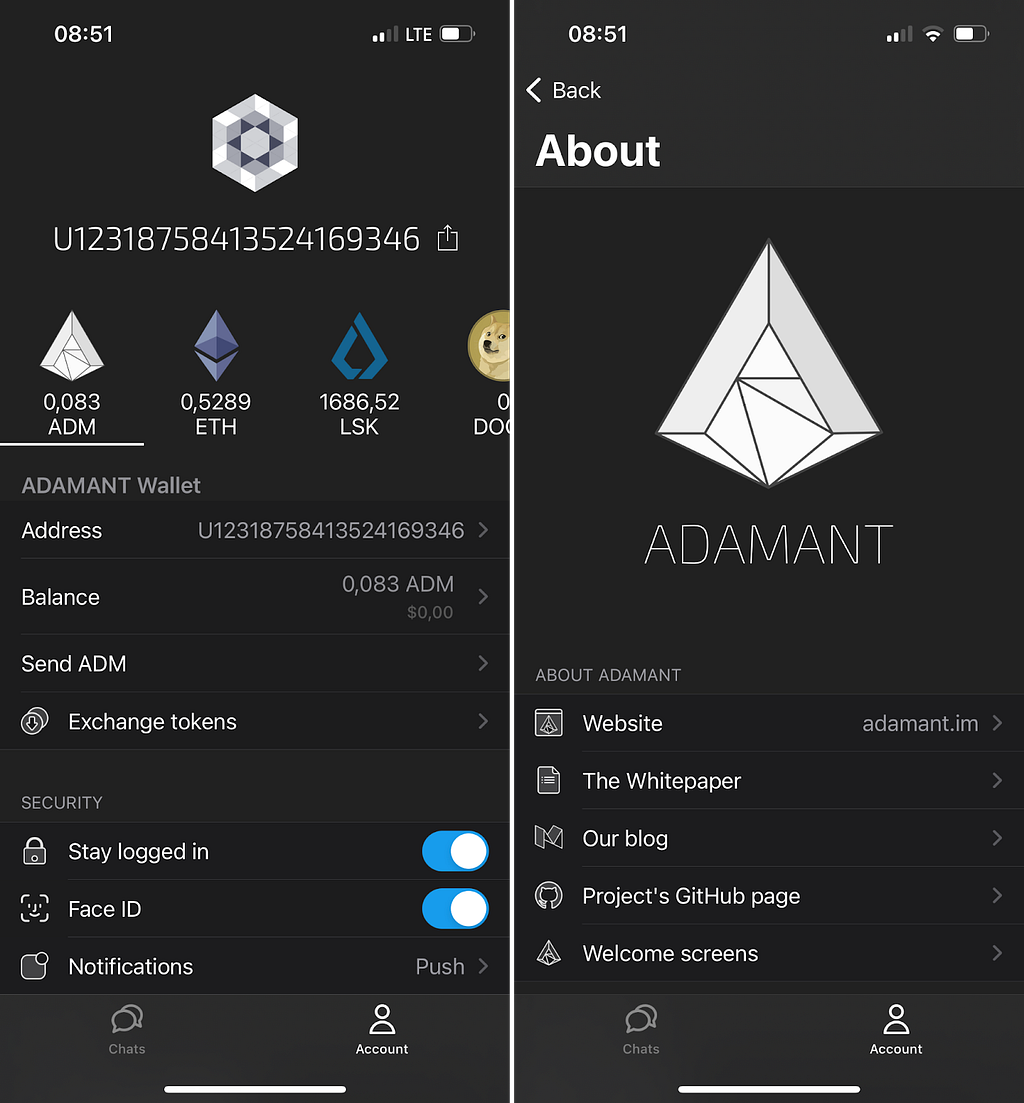
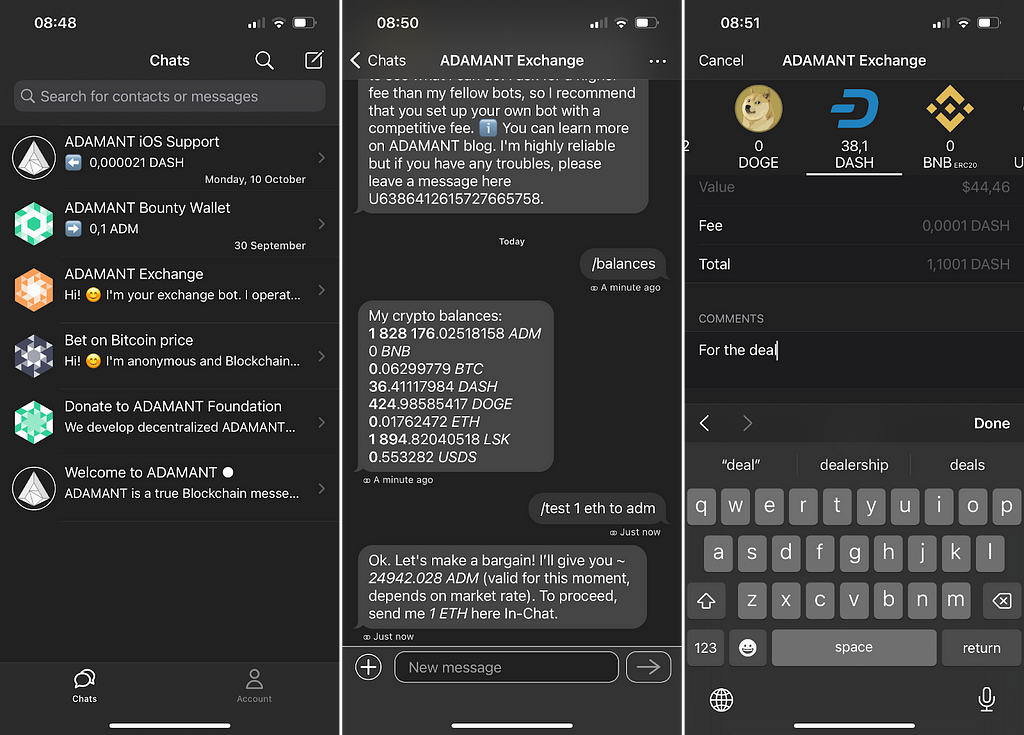
This update features Dark theme, choosing a notification sound, chat pre-loading and showing ERC20 network for tokens.
Dark theme is enabled automatically with the OS choice: Settings ⟶ Display & Brightness ⟶ Appearance. Dark theme is available starting iOS 13.
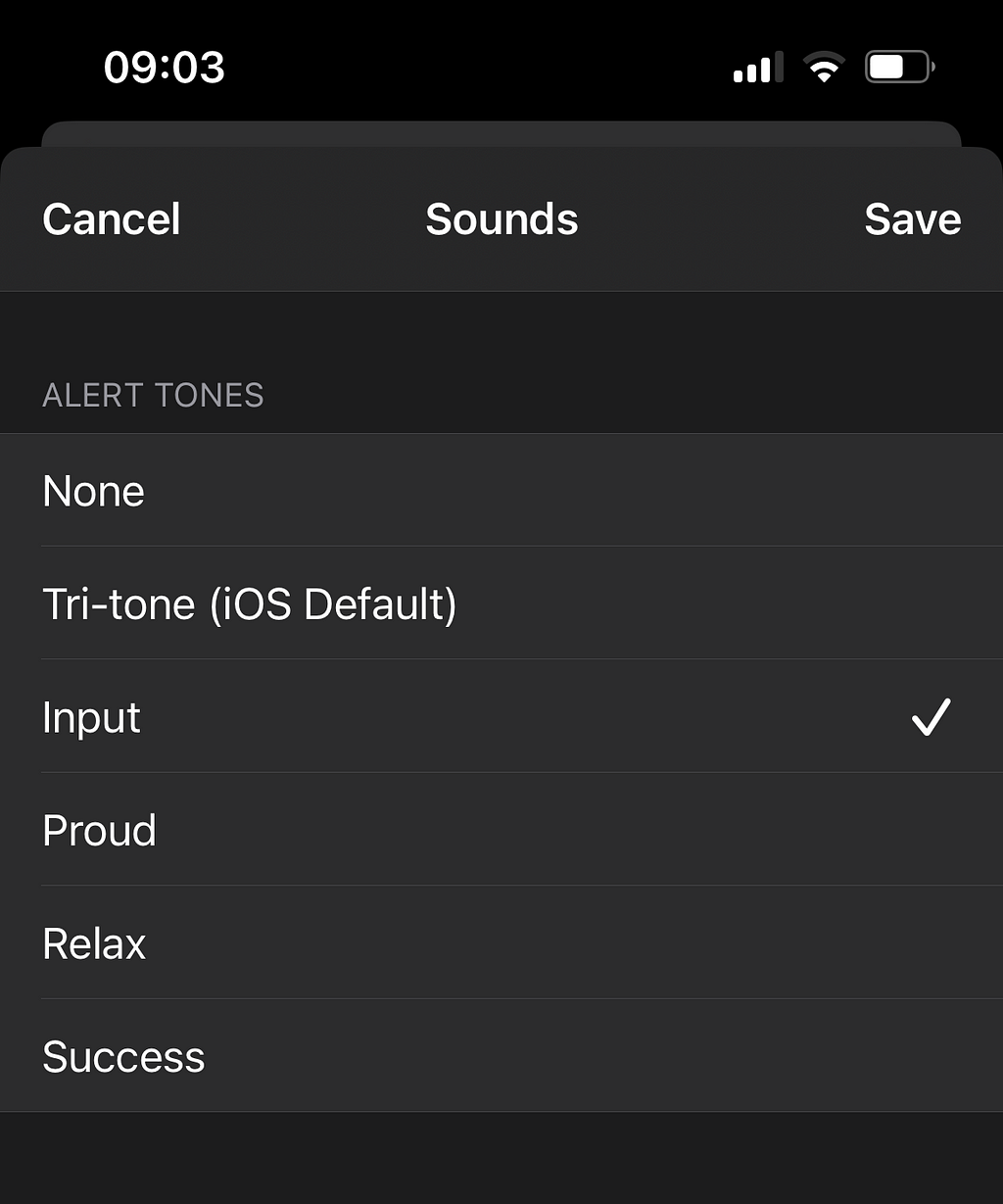
To set up a notification sound, in the ADAMANT app, tap Notifications ⟶ Sound. Set up a PIN to sign in to the app beforehand, and optionally turn on Face ID in the Security section of the home screen.
Also this version pre-loads recent chats after you log in an account.
Download Messenger for iOS and write a review 🚀
The list of v2.7.0 changes:
- Dark theme
- Faster chat loading
- Notification settings
- Showing ERC20 network for tokens
- Fixed crash on copy message
- Fixed crash on QR scan with camera
- Fixed bugs for MacBook M1
- Other Bug fixes, crash fixes
Dark theme and notification sounds in ADAMANT iOS app was originally published in adamant.im on Medium, where people are continuing the conversation by highlighting and responding to this story.
0
1


 Verwalten Sie alle Ihre Kryptowährungen, NFTs und DeFi an einem Ort
Verbinden Sie sicher das Portfolio, das Sie zu Beginn verwenden möchten.

