
How to launch an ADM Airdrop?
4
0
This article could be very useful for ADAMANT ambassadors all over the world.
The ADAMANT Foundation implemented an open-source tool to launch ADM airdrops — adamant-airdrop.
The main idea of airdrops is to send tokens to hundreds or thousands of different wallet addresses. Recipients will be encouraged to engage with the coin so the project’s community will grow.
Here, I will describe how to launch an airdrop of the ADM coin.

Prepare your airdrop wallet
Firstly, you need to create an ADAMANT wallet and put enough ADM coins there. Don’t forget about fees — every transfer transaction costs 0.5 ADM. So, if you send coins to 10 users, be ready to spend 5 ADM on fees.

Prepare the list of recipients
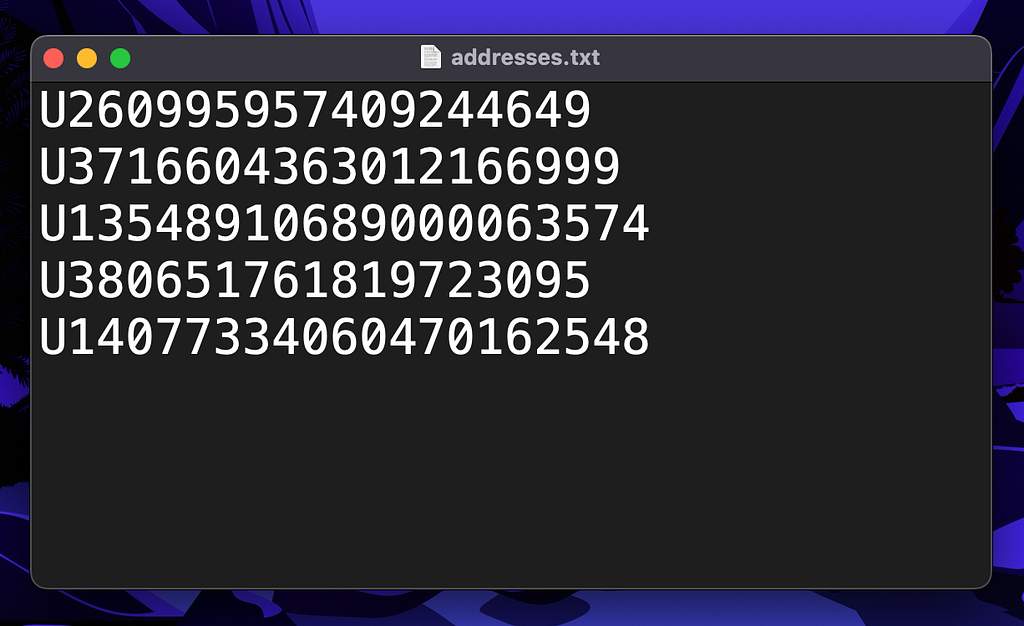
The ADAMANT Airdrop tool supports .csv, .json, .jsonc, and .txt formats for the list of recipients. Put just one ADM address per line in your file, and the tool will recognize all the addresses.
To demonstrate an airdrop process I made the addresses.txt file.
Install the ADAMANT Airdrop Tool
The tool is available on npmjs. So, you can use the following command to install the software:
npx adamant-airdrop — version
Next, you need to set it up. Use this command:
npx adamant-airdrop setup
It will ask you to write the name of your airdrop campaign. The expected output would look like on the screenshot below.

The ADAMANT Airdrop Tool is installed. Next, enter the following command to go into the campaign’s folder:
cd
In my case it would be:
cd adamant-airdrop
Configure an airdrop campaign
There is the config.jsonc file in the campaign’s folder. All the parameters are stored in this file. Open it with your favorite text editor. Or use the following command:
nano config.jsonc
The three most important parameters are:
- "passphrase" — a passphrase of your airdrop wallet with prepared coins.
- "inputFile" — path to your file with airdrop recipients. In my case, it’s addresses.txt. For your convenience, put this file into the airdrop campaign folder.
- "amount" — amount of the coins that will be sent to each recipient.
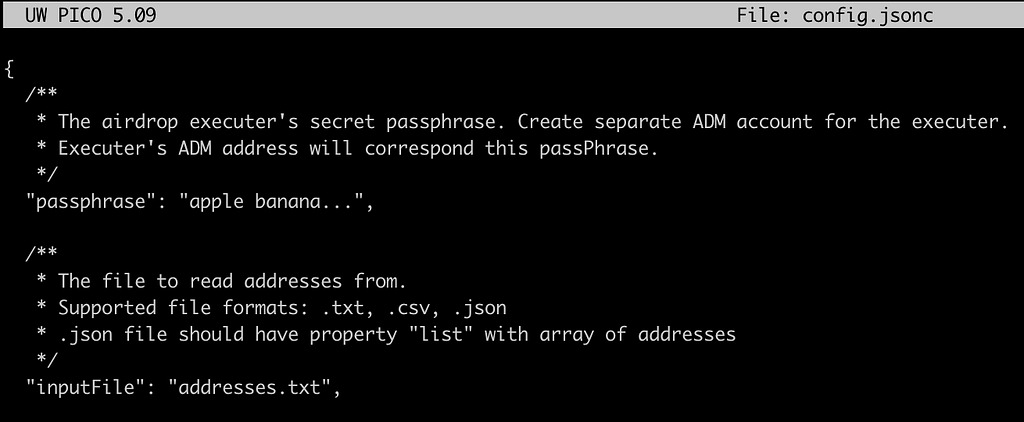
After filling all the parameters save this file. Now, you are ready to launch an airdrop.
Launch an airdrop
Firstly, it’s better to verify everything. Because in the case of a huge airdrop, one small mistake can cost a significant amount of money. Run the following command:
npx adamant-airdrop — validate ./config.jsonc
The expected output:

If everything is correct, you are completely ready to launch the airdrop. To do it, run this command:
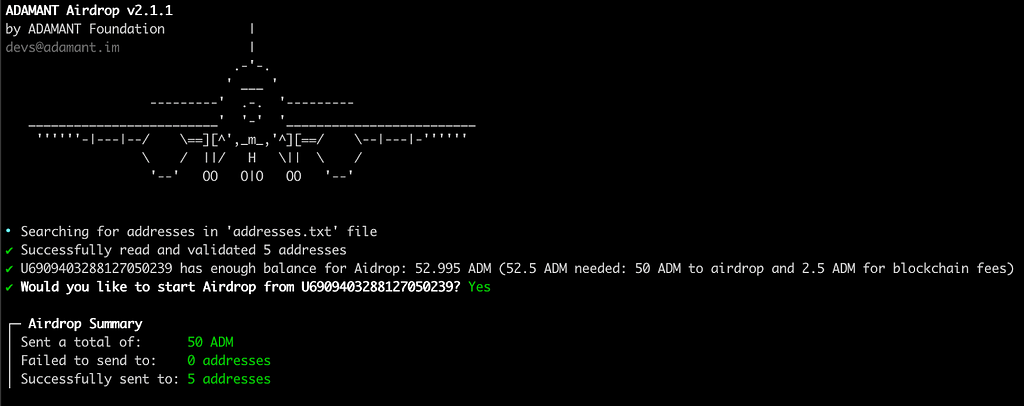
npx adamant-airdrop ./config.jsonc
The expected output:
Some other airdrop tips
An airdrop campaign is an efficient marketing instrument if you use it correctly. But be aware of bots that are earning money on airdrops.
When choosing winners, filter them carefully to ensure it’s not just a huge bot network. Some bot-proof tasks will help you to filter the audience.
Try the ADAMANT Airdrop Tool
- GitHub: https://github.com/Adamant-im/adamant-airdrop
- npm: https://www.npmjs.com/package/adamant-airdrop
How to launch an ADM Airdrop? was originally published in ADAMANT on Medium, where people are continuing the conversation by highlighting and responding to this story.
4
0
 Manage all your crypto, NFT and DeFi from one place
Securely connect the portfolio you’re using to start.