
What We Added in August: Perp Trade History, Kalshi and Bitkey

August was about perpetuals and new places to connect. Perp trades now have their own history and sync from four more exchanges, Kalshi and Bitkey joined the list of integrations, the widget builder got a new preview, and a lot of smaller fixes made your history cleaner.
Your perpetual trades, in one clean history
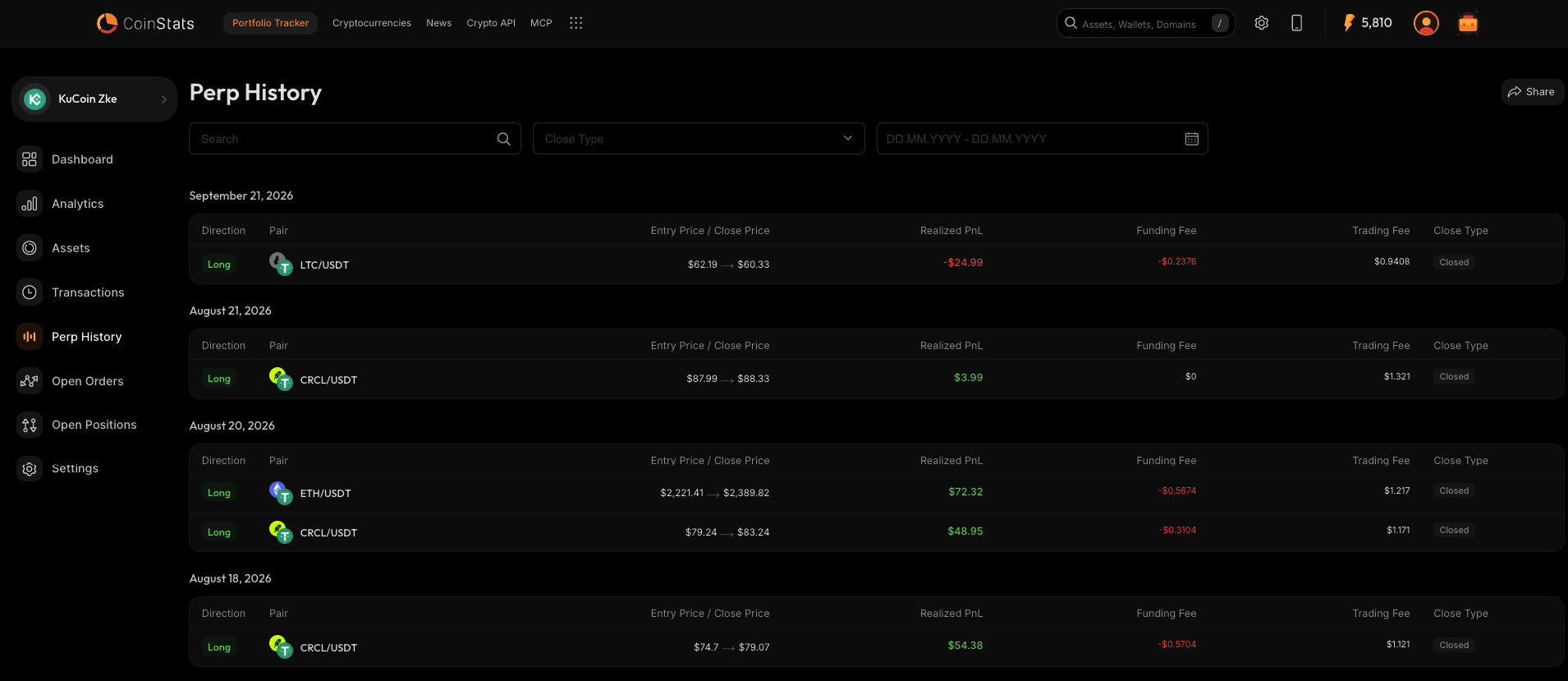
CoinStats now has a dedicated Perp History view, on the web and in the iOS and Android apps. Every closed perpetual position gets its own row, grouped by date, with its direction, pair, entry and close price, realized profit and loss, funding and trading fees, and how it closed. You can search by pair and filter by close type or date. It arrived on iOS at the end of July and on Android in August.
To fill it, perp history now syncs from more exchanges. KuCoin futures record partial closes and one entry per position, from open to close. Gate.io perpetual futures sync their trade history, including USD1 settled and inverse contracts. BingX adds funding fees, liquidations and net profit and loss. Bitget records partial closes, and unified trading accounts now show a perps section.
If you trade perps on more than one exchange, this is the first time you can see all of those trades side by side, with the funding and liquidations that actually drove your results.
Connect BingX to see your perp history
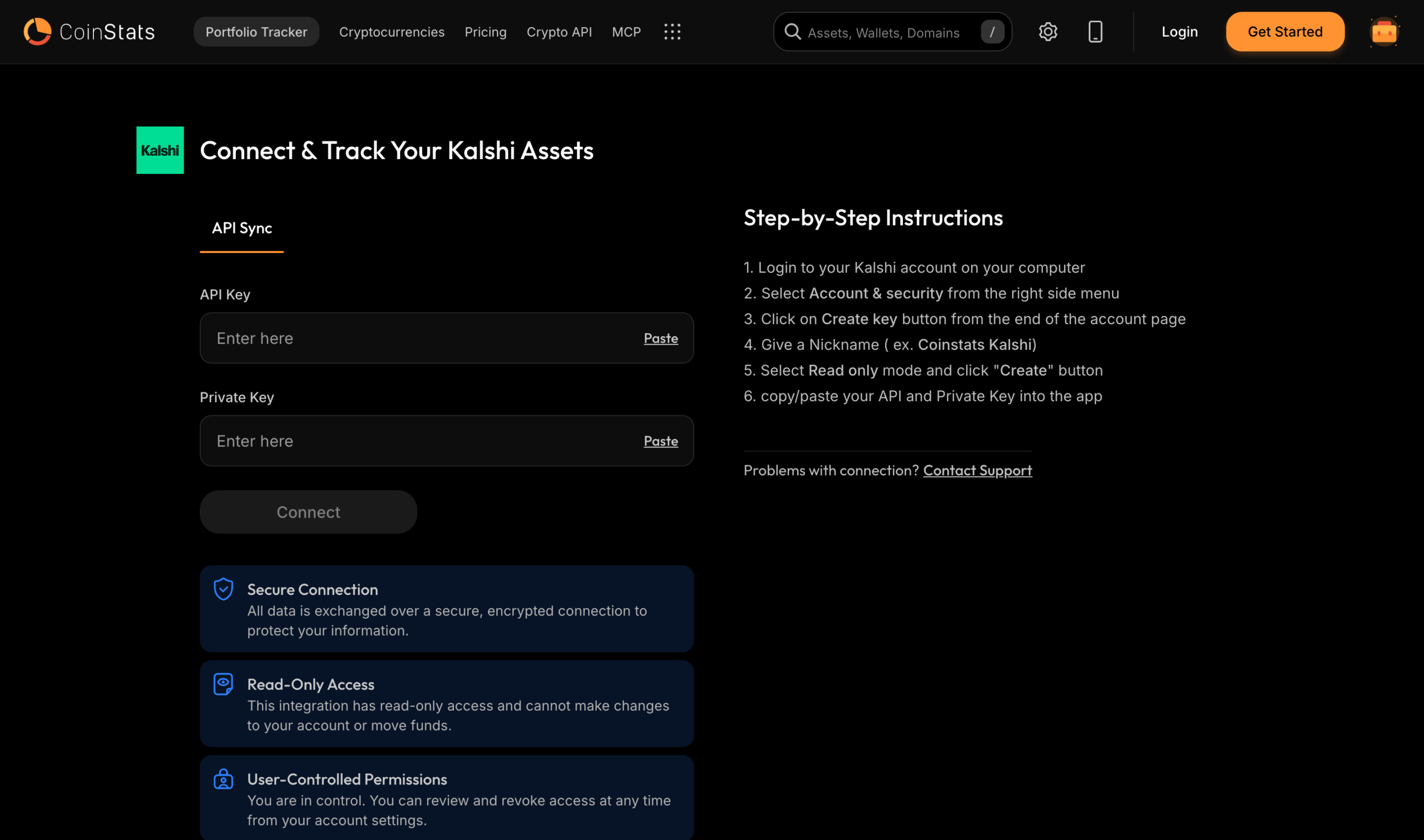
Track your Kalshi perpetual futures
You can now connect Kalshi and track your perpetual futures there in CoinStats. Open positions show your balance, leverage and liquidation price the same way the Kalshi app does, funding is worked out for each open position, and transfers in and out of your margin wallet come through as transactions.
To set it up, create a read only API key under Account and security in Kalshi, then paste the API key and private key into the Kalshi connect page. CoinStats can see your positions and balances, but it can’t place trades or move funds.
Bring your Bitkey bitcoin wallet into CoinStats
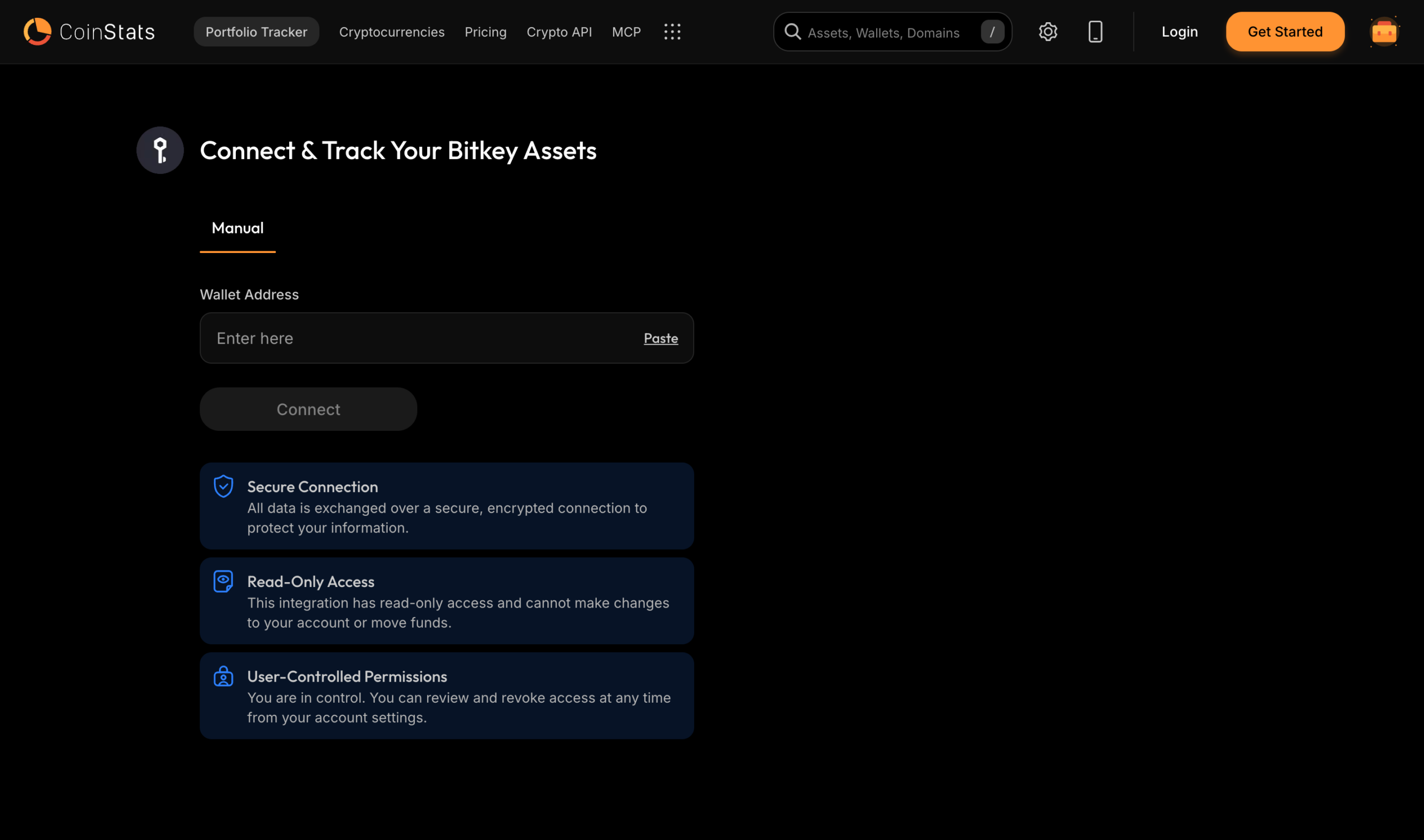
Bitkey wallets can now be connected. Paste the wallet export from the Bitkey app into the connect page, and CoinStats finds every address the wallet has used and syncs its full transaction history.
Bitcoin wallets like Bitkey spread your coins across many addresses, which makes them hard to track by pasting a single address. Connecting the whole wallet means your balance and history in CoinStats cover all of it, next to the rest of your portfolio.
Build crypto widgets that fit your site
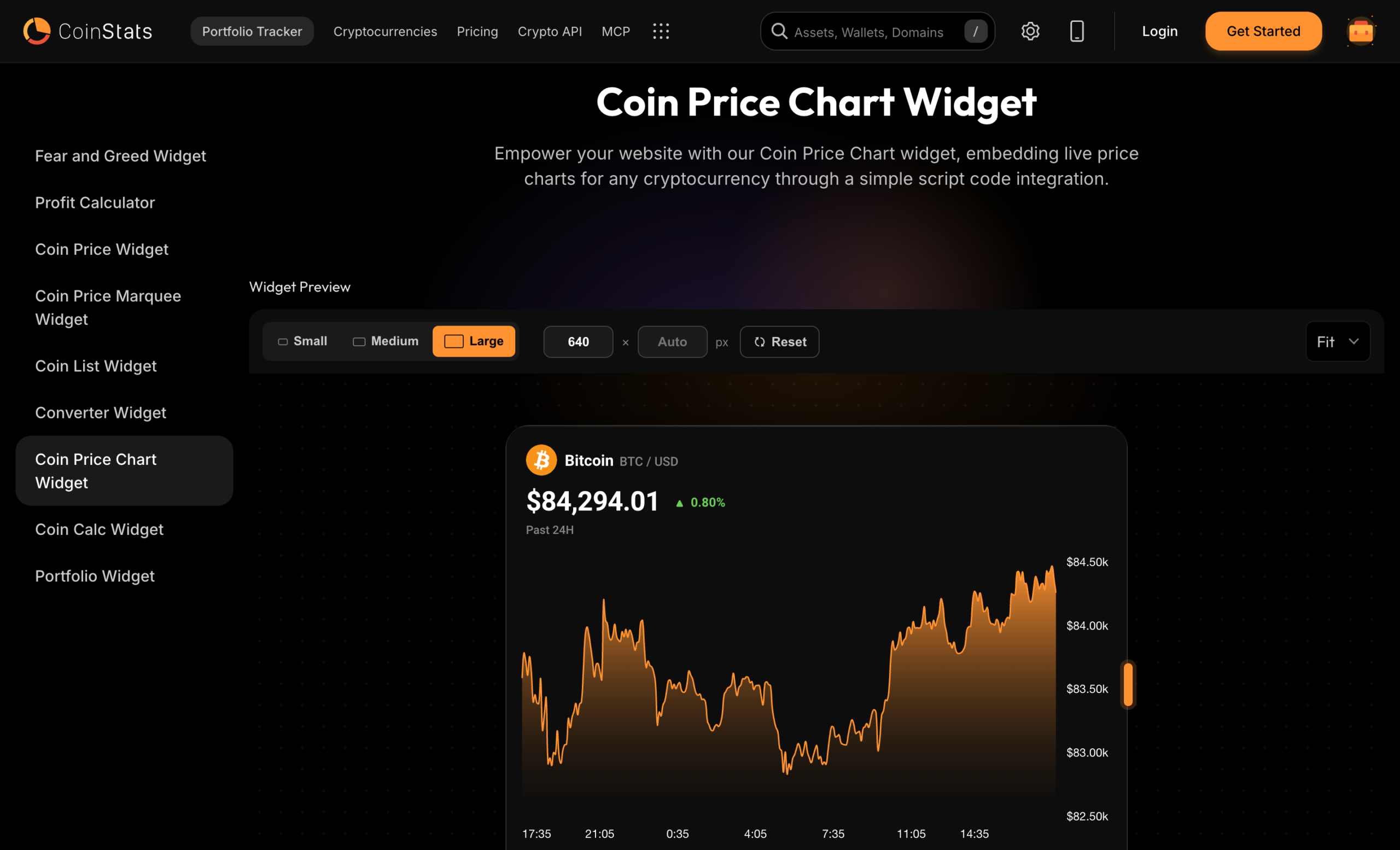
CoinStats widgets put live crypto data on your own website: prices, charts, a price marquee, coin lists, a converter, calculators, the Fear and Greed Index and even your portfolio. There are nine widgets in all, and each one embeds with a simple script.
In August the widget builder got a new preview. Pick Small, Medium or Large, or type an exact width and height, and drag a corner to resize. The preview scales to fit your screen, so you see exactly how the widget will look at the size you embed it, and Fit and zoom let you check the details. Reset takes you back to the default size.
More from August
Beyond the big four, here’s what else landed this month.
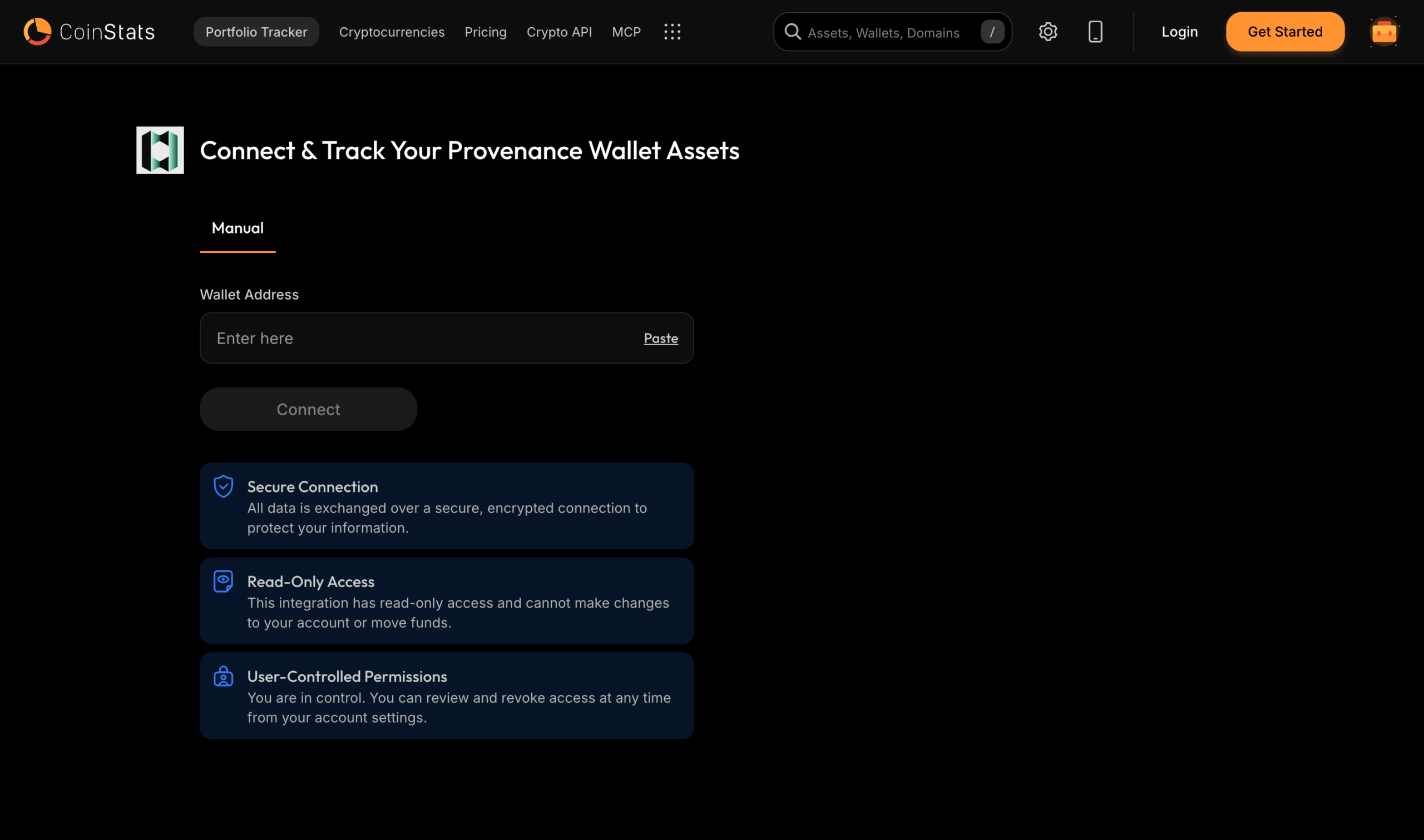
Provenance wallets: connect a Provenance wallet and track it with the rest of your portfolio.
Robinhood NFTs: NFTs in a Robinhood wallet are now tracked, and tokens on Robinhood Chain now have prices.
And a few more:
- Wallet balances from just an address, in the API: the CoinStats API now detects the chain from the address format, so developers can request a wallet’s balance without naming the network.
- Six new Solana DeFi protocols: Phantom SOL liquid staking, staking on Solstice, Hastra and OnRe, Huma Finance yield and PumpSwap liquidity are now tracked.
- Harmony staking: validator staking on Harmony now shows up in your DeFi holdings.
- Cleaner swap history: swaps that involve unlisted tokens are recorded as swaps with both legs, not as transfers.
- Gate.io: imports fiat ledger entries, withdrawal fees and converts.
- Binance: trade fills are grouped into single trades, for a tidier transaction history.
- AI that sees your whole portfolio: CoinStats AI now reads every holding, not just your top 20, and its answers stream more smoothly.
- Clearer errors on the web: error messages have a Get help button, and you can now clear the coin filter on Transactions.
- Desktop referral QR codes: invites opened on a computer show a QR code to scan with your phone.