
XDAO Arbitrum Wallet Update: What Users Need to Do Before TGE
0
0
How Can Users Complete the XDAO Arbitrum Wallet Setup Before TGE?
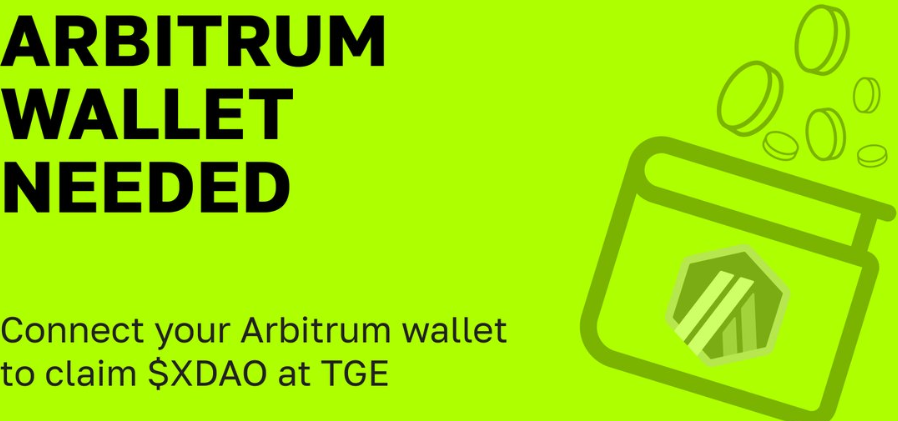
XDAO has rolled out a fresh community update focused on wallet requirements. The team has confirmed that the main $XDAO token will launch on Arbitrum, and community members, including participants from the Early (Notcoin) and Blum Quest programs, now need to complete an XDAO Arbitrum Wallet connection to remain eligible for the token claim at TGE (Token Generation Event).
For users who have already completed the Solana wallet linking process, the new procedure should feel familiar, but the connection is required and comes with a clear deadline.
This post breaks down exactly what XDAO announced, why Arbitrum was chosen, which wallets are supported, how the linking process works, and what happens to your existing Solana wallet.
Key Takeaways
The $XDAO token is launching on Arbitrum, a Layer 2 scaling solution for Ethereum, and users must connect a non-custodial Arbitrum wallet with a 0x… address to claim tokens at TGE.
MetaMask, Keeper (formerly Tonkeeper), and Backpack all support Arbitrum, and the XDAO Arbitrum wallet connection guide walks users through confirming the link via their TON wallet.
The recommended deadline to complete the XDAO Arbitrum wallet linking process is September 25, and your previously connected Solana wallet stays active for future use it doesn't need to be replaced.
What XDAO Announced
In its latest community message, XDAO addressed its users directly, acknowledging that wallet-related updates have become something of a recurring theme for the project. This time, the announcement centers on a new wallet requirement specifically for Arbitrum. The team was upfront that this is "not as scary as it sounds," framing it as a natural next step rather than a disruption to what users have already set up. The message was aimed at the whole community, including those who joined through the Early Notcoin and Blum Quest programs, meaning the update applies broadly and isn't limited to a specific user group.
Source: Official X Account
Why the $XDAO Token Is Launching on Arbitrum
According to XDAO, the main $XDAO token will launch on Arbitrum because it's a strong fit for the project's needs. Arbitrum is described as a leading Layer 2 solution for Ethereum, chosen specifically for its combination of scalability, security, and low transaction costs.
These three factors matter for any token launch scalability supports growth, security protects user funds, and low fees make transactions more practical for everyday use. XDAO also mentioned that a more detailed explanation of why Arbitrum was selected, how it works, and its role in the broader XDAO ecosystem will follow in a separate post, so more technical context is expected soon.
Source: Official website
Which Wallets Users Need to Connect
This is the core of the XDAO Arbitrum Wallet update: users need a non-custodial Arbitrum wallet with a 0x… address to be eligible for their token claim. The good news is that some wallets community members are already using already support Arbitrum, meaning many users may not need to download anything new they may simply need to set up or use their existing wallet's Arbitrum-compatible address.
Wallet | Previously Used For | Arbitrum Support |
MetaMask | General EVM wallets | Yes |
Keeper (formerly Tonkeeper) | TON ecosystem | Yes |
Backpack | Yes |
How the XDAO Arbitrum Wallet Linking Process Works
The XDAO Arbitrum wallet linking process follows a structure similar to the Solana wallet linking that users already completed earlier. To be eligible for the token claim, users need to connect a non-custodial XDAO Arbitrum wallet carrying a 0x… address on the dedicated page, then confirm the connection through their TON wallet.
XDAO has provided three official resources for this XDAO Arbitrum wallet connection guide:
Resource | Link/Purpose |
Telegram Mini App | t.me/xdao_ton_bot |
Web Page | ton.xdao.app |
Step-by-step Guide | Available on XDAO's official Notion page, linked directly from their announcement |
Since the process mirrors the Solana wallet connection, users who already went through that flow should find this one straightforward. Still, it's worth going through the official guide carefully before connecting, especially since this involves a non-custodial wallet address tied directly to your token claim. Only use these official links directly from XDAO's channels never a copied or shared version from someone else.
September 25 Deadline and TGE Eligibility
XDAO has set a clear recommendation around timing: the XDAO wallet linking deadline September 25 is when the team suggests completing the process, rather than waiting until the last moment. This isn't framed as a hard cutoff that locks users out entirely, but missing it does have a consequence users who don't complete the connection in time may need to wait for the next distribution wave instead of receiving their tokens right at TGE.
XDAO specifically asked the community to share this update with friends as well, reinforcing how important they consider this XDAO Arbitrum wallet deadline to be for smooth token distribution.
What Happens to the Previously Linked Solana Wallet
One of the more reassuring parts of this announcement is that the Solana wallet users already connected isn't going anywhere. XDAO confirmed that this wallet will still be needed for further interaction with XDAO through a new product the team is preparing to launch after TGE. In other words, this update doesn't replace the Solana wallet setup — it adds an additional requirement on top of it.
Wallet | Status After This Update | Needed For |
Solana Wallet | Stays active | Future XDAO product (post-TGE) |
Arbitrum Wallet | New requirement | $XDAO token claim at TGE |
So, going forward, users will essentially be managing two connected wallets rather than switching from one to the other.
Final Word
This XDAO Arbitrum wallet update is a fairly clear-cut ask from the team: connect a new Arbitrum wallet, confirm it through TON, and do it before September 25 to avoid delays in receiving your tokens. Your Solana wallet remains relevant and doesn't need to be touched. As always with wallet connections in crypto, only use the official links shared directly by XDAO, and double-check the URL before connecting anything.
Disclaimer
This article is based solely on XDAO's official community announcement and is intended for informational purposes only. It is not financial advice. Always verify wallet connection steps directly through XDAO's official Telegram Mini App, website, or guide before proceeding.
0
0


 Manage all your crypto, NFT and DeFi from one place
Securely connect the portfolio you’re using to start.


