
Best Hot Crypto Wallet 2026: A Full Comparison Guide

You bought a few coins on an exchange, left them there for convenience, and then hit the point most crypto users eventually reach. You want more control. Maybe you want to use a DApp, mint an NFT, move funds between chains, or just stop trusting one company to hold everything for you.
That’s when the hot wallet question becomes real.
A hot wallet is a wallet connected to the internet. It’s built for daily use. You open it fast, sign transactions fast, and connect it to apps fast. A cold wallet does the opposite. It slows things down on purpose so your long-term holdings stay harder to reach.
The best hot wallet isn’t the one with the flashiest homepage or the longest feature list. It’s the one that fits how you use crypto, what chains you use, and how well it fits into the rest of your setup once you end up with more than one wallet.
Tracking wallets in an app? See wallet data API alternatives.
Choosing Your Best Hot Wallet for Everyday Crypto
You buy ETH on an exchange, download a wallet because you want to try a DApp, and a few weeks later you already have assets spread across two chains, one browser extension, one mobile app, and a login you barely remember creating. That is the point where wallet choice stops being cosmetic.
A common mistake when choosing a wallet is asking, “Which wallet is best?” instead of, “Which wallet will I still be happy using after the first month?” The second question is better because daily friction shows up fast. Bad token detection, confusing network switching, weak backup flow, and clunky signing screens all turn into expensive mistakes.
Your first real hot wallet should fit how you use crypto. If you mainly swap on EVM chains, the wallet needs strong EVM support and clear transaction prompts. If you spend most of your time on Solana, a wallet built around that ecosystem will usually feel better than a generic multi-chain app. If you check prices and balances throughout the day, it also helps if the wallet works cleanly with a tracker that can pull everything into one view, including assets like Ethereum price and market data, instead of forcing you to hop between apps.
That last part gets ignored in a lot of wallet roundups. They rank wallets one by one, as if you will pick a single app and be done. Real usage looks messier. Many people end up with MetaMask for EVM activity, Phantom for Solana, maybe a wallet tied to an exchange for transfers, and then a separate app to see the whole portfolio without opening four tabs.
The best hot wallet is usually the wallet that starts a setup you can still manage once your holdings spread out.
Security still matters, of course, but security in practice is tied to usability. A wallet that makes approvals hard to read or backups easy to mishandle creates its own risk. Good chain support matters. Recovery options matter. DApp compatibility matters. Portfolio visibility matters too, especially once you stop holding everything in one place.
Ignore the marketing copy about being “all-in-one.” Pick the wallet that matches your main chain, makes routine actions clear, and fits into a setup where tracking your assets stays simple even after you add a second or third wallet.
Key Criteria for Evaluating Hot Wallets
A wallet can look polished and still be a bad fit. The easiest way to avoid that mistake is to judge every option through four filters.
Security model
Start here, but don’t stop here. The first split is custodial versus non-custodial. If the wallet gives you the recovery phrase or direct key control, you’re the custodian. If the provider controls the keys or part of the recovery path, you’re trading some sovereignty for convenience.
The practical question isn’t just “Is it secure?” It’s “Who can move funds, and what happens if I lose access?” That answer affects every decision after setup.
A few things matter in real use:
- Key ownership: If you don’t control the keys, you don’t fully control the assets.
- Recovery design: Seed phrase recovery is common, but it also puts the backup burden on you.
- Hardware support: Some hot wallets work better when paired with a hardware wallet for higher-value balances.
- Reputation under stress: A wallet’s behavior during phishing waves and exploit-heavy periods tells you more than its homepage copy.
Usability and friction
Good wallet UX isn’t about pretty buttons. It’s about reducing expensive mistakes.
A beginner-friendly wallet should make receiving, swapping, and network switching obvious. An advanced wallet should expose power features without turning basic actions into a scavenger hunt. If you need three menus to find token approvals, that’s a problem. If the transaction preview hides what contract you’re interacting with, that’s also a problem.
For people who mostly interact with Ethereum, watching the live Ethereum page on CoinStats is a good reminder that wallet usability and asset research go together. The wallet handles execution. Your research flow should help you decide whether the transaction is worth making in the first place.
Chain support and asset coverage
Some wallets are strong because they go deep in one ecosystem. Others win because they cover several.
Neither approach is automatically better. If you stay almost entirely on Ethereum and EVM chains, a focused wallet can be excellent. If you’re moving between Solana, Polygon, BNB Chain, and Ethereum, limited support becomes annoying fast.
Practical rule: Don’t choose for the coins you own today only. Choose for the chains you’re likely to use next.
Integrations that matter
The best hot wallets now do more than hold assets. They connect to DApps, show NFTs, route swaps, and sometimes bridge access to staking or portfolio tools.
Useful integrations save time. Bad ones tempt you into doing too much inside one app. Built-in swaps are convenient. DApp browsers are convenient. Neither replaces the need to verify what you’re signing.
If you’d rather swap on a dedicated venue than inside a wallet, it’s worth comparing the top crypto swap platforms before you route a trade.
Hot Wallet Showdown MetaMask vs Trust Wallet vs Phantom and More
A wallet looks great right up until your real workflow starts fighting it. The better test is simple. Open the chains you use, connect to the apps you sign into, and ask whether the wallet still feels clear after a week. If you also plan to track balances in one dashboard like CoinStats, compatibility matters just as much as the wallet’s own interface.
| Hot Wallet Feature Comparison (2026) | Primary Chains | Custody Model | Open Source | Platform | Best For |
|---|---|---|---|---|---|
| MetaMask | Ethereum and EVM chains | Non-custodial | Partially open source | Mobile, browser extension | DeFi users deep in EVM |
| Trust Wallet | Multi-chain | Non-custodial | Mixed availability | Mobile | Beginners and broad asset coverage |
| Phantom | Solana, with broader support focus | Non-custodial | Mixed availability | Mobile, browser extension | Solana-first users and NFT activity |
| Coinbase Wallet | Ethereum and EVM-focused | Self-custody wallet experience | Mixed availability | Mobile, browser extension | Users moving off Coinbase into self-custody |
| Guarda | Multi-chain (70+ blockchains) | Non-custodial | Closed source | Web, mobile, desktop, browser extension | Complex multi-chain activity |
| Exodus | Multi-chain | Non-custodial | Not fully open source | Mobile, desktop | Users who prefer a clean desktop experience |

MetaMask
MetaMask remains the default wallet for Ethereum and the broader EVM world because it connects almost everywhere. That reach is its key advantage. If you use new DeFi protocols early, MetaMask is usually supported before anything else.
It also asks more from the user. Signature requests can be opaque, chain switching is easy to get wrong, and the extension model exposes you to fake sites if your browsing habits are sloppy. I still recommend it for active DeFi use, but only for people willing to slow down and read every prompt.
Its other strength is ecosystem fit. MetaMask works well when your wallet is one tool in a wider setup that includes a portfolio tracker, price alerts, and research. That matters if you hold assets across several EVM chains and want those positions visible in one place instead of scattered across tabs.
Trust Wallet
Trust Wallet is easier to live with on mobile, especially for people who hold assets on several chains and do not want to configure much on day one. The app is broad without feeling too technical, which is a real advantage for someone leaving an exchange and learning self-custody habits at the same time.
That broad support also makes it a practical companion to portfolio tracking. If you use one wallet for BNB Chain, Ethereum, and a few smaller holdings, it helps when those balances can be monitored outside the wallet app too. Users who follow the token behind the ecosystem can keep an eye on the Trust Wallet Token price on CoinStats separately from the wallet itself.
Trust Wallet’s trade-off is depth. It covers a lot, but power users sometimes outgrow its workflow and move to more chain-specific tools.
Phantom
Phantom earned loyalty by making Solana activity easier to understand. Token views are cleaner, NFT handling feels more natural, and common actions do not require as much guesswork as they do in older multi-chain wallets.
That focus is why Phantom often feels better than a general wallet for Solana-first users. If your routine includes staking SOL, minting, trading collectibles, or signing into Solana apps daily, Phantom reduces friction where it counts.
Its limit is also clear. Phantom can be part of a multi-wallet setup, but for heavy Ethereum DeFi it usually sits beside MetaMask rather than replacing it. That is the practical lens many ranking lists miss. The best hot wallet is often the best primary wallet for one chain, plus a tracker that shows the full picture across all of them.
Coinbase Wallet
Coinbase Wallet works well for people taking their first serious step away from exchange custody. The familiar branding helps, onboarding is less abrupt, and the app does a decent job guiding users through the basics without burying them in settings.
For advanced users, it can feel middle-of-the-road. It is fine for standard self-custody tasks and common app connections, but it rarely feels like the strongest choice for either deep DeFi work or broad multi-chain management. Some people stay with it for simplicity. Others treat it as a transition wallet before settling on a setup that matches their actual habits.
Guarda
Guarda crypto wallet is built for users whose crypto activity already spans several chains, assets, and devices. It supports 70+ blockchains and 1M+ assets in a non-custodial wallet available on web, desktop, mobile, and browser extension. Bitcoin, Monero, XRP, TRON, and EVM assets can be managed inside the same broader setup.
That breadth also creates a trade-off. Built-in buying, selling, swapping, staking for eligible assets, and other services vary by asset, network, platform, and third-party service, so experienced users still need to check what is available for a specific workflow. Guarda reports a 99.9% success rate across key wallet operations, which gives its multi-chain coverage a concrete execution metric.
Its other strength is continuity. Guarda supports Ledger and ERA hardware-wallet connections for compatible use cases, while 24/7 live human support is available when something goes off-plan. That makes it a practical fit for complex multi-chain activity where keeping self-custodial control matters as much as adding more functionality.
Exodus and other alternatives
Exodus still has a loyal user base for one reason many wallet roundups underplay. Desktop matters. Reviewing balances, transaction history, and asset allocation on a larger screen is often easier and safer than doing everything from a phone.
That does not make Exodus the first pick for heavy on-chain activity. It is better suited to people who want a polished place to manage assets than people signing contract approvals all day. If your priority is comfort, visibility, and routine portfolio checks, that is a fair trade.
People who pay attention to how mobile wallet apps are built can also explore React Native builder options. That will not tell you which wallet to trust with funds, but it does explain why some apps feel more consistent across devices than others.
Picking Your Wallet Based on Your Crypto Profile
A wallet recommendation gets more useful when it starts with behavior, not branding. Different users need different compromises.
The DeFi power user
Choose MetaMask first if most of your activity happens on Ethereum or EVM chains.
That’s the wallet I’d point to for people who farm, bridge, test new protocols, and sign transactions often. It connects almost everywhere, and that ubiquity matters. The downside is operational risk. You need disciplined habits because convenience invites sloppy clicking.
The beginner leaving exchanges
Choose Trust Wallet or Coinbase Wallet, depending on what kind of beginner you are.
If you want broad chain support in a mobile-first setup, Trust Wallet is usually the cleaner pick. If you’re moving out of the Coinbase ecosystem and want a softer landing into self-custody, Coinbase Wallet often feels less abrupt.
A beginner doesn’t need the most advanced wallet. A beginner needs the wallet least likely to cause a preventable mistake.
The Solana-native user
Choose Phantom.
If your world revolves around Solana market activity, Solana apps, and Solana NFTs, Phantom feels purpose-built in a way that generalist wallets rarely do. That focus is the point. You’re not paying for broadness with a clunky interface.
Pick the wallet that feels native to your main chain. Cross-chain flexibility is useful, but daily clarity matters more.
The multi-chain explorer
Choose Trust Wallet if you want one broad mobile wallet, or use MetaMask plus Phantom if you want stronger chain-specific tools.
Many “best hot wallet” guides are often too simplistic. Sometimes the best answer isn’t one app. It’s a small stack of wallets that each do their job well. If you touch EVM and Solana regularly, forcing everything into one interface can be more annoying than helpful.
The desktop-first user
Choose Exodus if your priority is visibility and comfort over maximum DeFi depth.
This profile includes plenty of people with meaningful portfolios who don’t enjoy doing everything on a small screen. They want to review balances, move assets, and avoid extension-heavy workflows unless necessary.
A simple decision shortcut
If you’re stuck between options, use this filter:
- Mostly EVM and DeFi: MetaMask
- New to self-custody and want broad support: Trust Wallet
- Mostly Solana: Phantom
- Leaving Coinbase and want familiarity: Coinbase Wallet
- Prefer desktop portfolio handling: Exodus
The best hot wallet is the one that matches your actual on-chain behavior, not the one with the loudest fan base.
Essential Safety Practices for Hot Wallets
Wallet security starts after installation, not before. Most losses don’t come from a wallet logo. They come from user behavior around backups, approvals, and phishing.
The first rule is portfolio separation. Hot wallets are for active funds, not your entire stack. Kraken’s wallet guide notes that institutional portfolios typically keep 5-15% in hot wallets for operational liquidity and 85-95% in cold storage. Retail users can learn a lot from that habit. Keep the spending and signing balance hot. Keep the serious holdings colder and harder to access.
Seed phrase handling
Your seed phrase is the master key. If someone gets it, they don’t need your phone.
Use a backup method you control and can recover under stress. Don’t store it in cloud notes, don’t email it to yourself, and don’t save screenshots in your camera roll. Those are convenience shortcuts that turn into security failures.
- Write it down carefully: One wrong word defeats the entire backup.
- Store it offline: Paper or other offline backup methods beat casual digital storage.
- Test your recovery plan: Make sure you understand how recovery works before there’s an emergency.
If a website, support account, or DM asks for your seed phrase, it’s a scam.
Transaction and approval hygiene
A lot of users focus on login security and ignore approval security. That’s backward.
Every connection to a DApp, every token approval, and every signature request creates risk. Slow down when the wallet asks for permission to spend tokens or sign a message. Read the domain. Read the action. If the request looks unfamiliar, back out and verify independently.
Here’s a useful explainer before you go deeper with self-custody and signing behavior:
Device-level protection
The wallet isn’t isolated from the phone or laptop it lives on. If the device is compromised, your wallet becomes easier to target.
Use a unique password for the wallet itself. Turn on biometric access if the wallet supports it. Keep your operating system updated. Don’t install random browser extensions on the same browser profile you use for crypto. And if you’re active in DeFi, consider separating your “crypto browser” from your everyday browsing.
What works in practice
Security gets better when the workflow gets simpler:
- Use one wallet for active transactions: Don’t scatter small balances across too many apps without a reason.
- Move larger holdings off the hot wallet: Use hot wallets for access, not long-term storage.
- Verify every contract interaction: Convenience is where attackers hide.
How to Track All Your Hot Wallets in One Place
The hidden cost of using multiple hot wallets isn’t setup. It’s visibility.
You start with one wallet. Then you add another because one chain works better there. Then an exchange account still holds a few assets. Then an NFT wallet sits off to the side. Before long, your actual portfolio lives across several interfaces that don’t talk to each other well.
That’s not a minor inconvenience. StashAway’s wallet guide cites independent surveys showing 40-60% of multi-wallet users report difficulty reconciling balances manually, while most best-wallet roundups barely discuss aggregation and unified portfolio management.
Why unified tracking matters
A good wallet tells you what’s inside that wallet. It usually doesn’t tell you what your full crypto picture looks like across wallets, exchanges, and protocols. That is the job of a tracker, and we ranked the best crypto trackers for wallets and exchanges for 2026.
That becomes a problem when you want to answer basic questions:
- What’s my total allocation by chain?
- How much do I have in stablecoins versus volatile assets?
- Which wallet is holding dead positions I forgot about?
- What’s my real P&L once everything is viewed together?
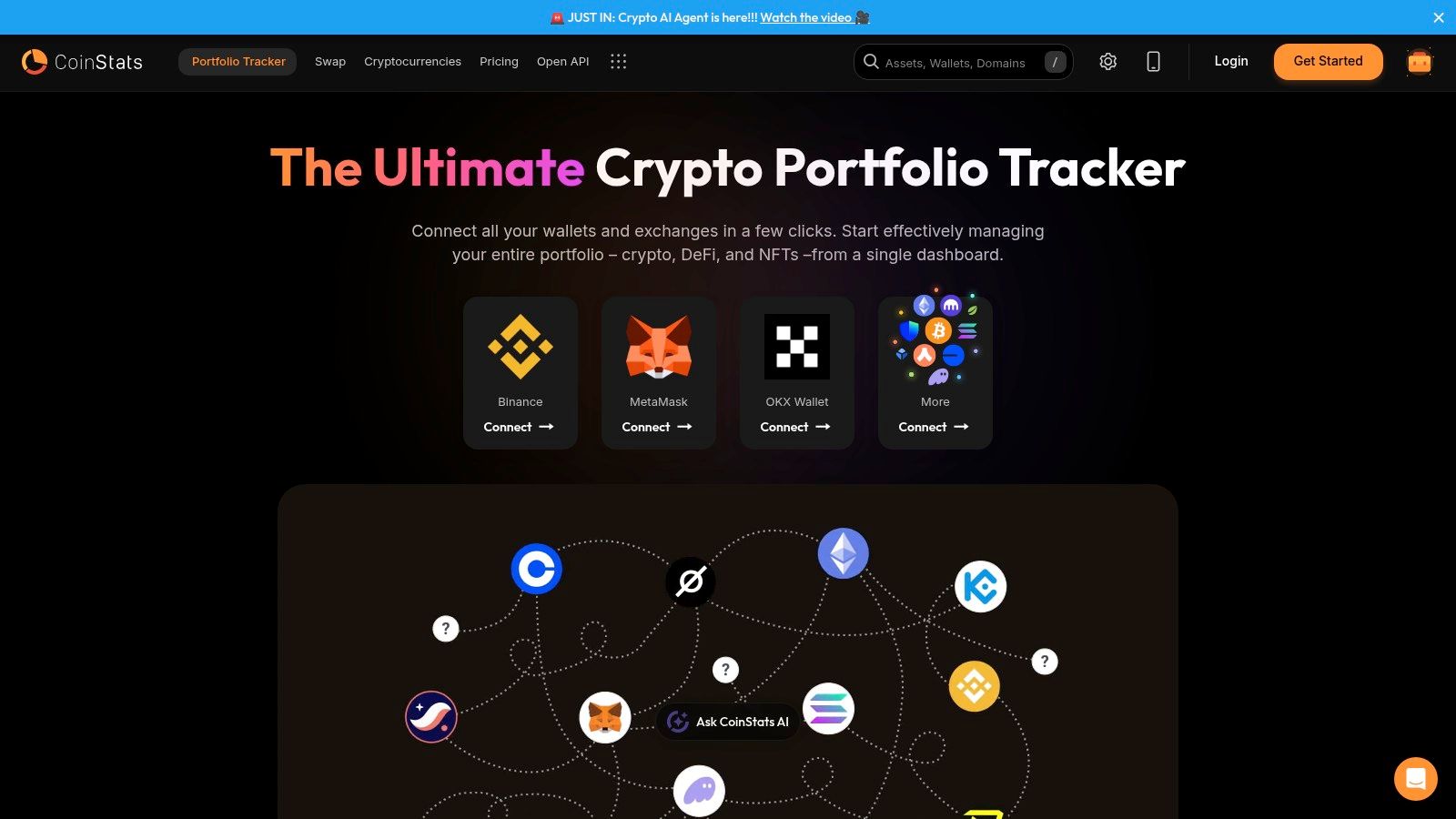
The practical fix is using a dedicated tracker such as the CoinStats Portfolio tracker, which is built for connecting wallets and exchanges into one dashboard. That solves a problem most wallet reviews ignore. Choosing a best hot wallet in isolation is only half the job. The other half is making sure your setup stays readable once you have multiple wallets.
What to look for in a tracker-friendly wallet setup
If you know you’ll end up managing more than one wallet, start favoring wallets that are easier to reconcile in a broader system.
That usually means:
- Clear address management: You should know which wallet holds what.
- Consistent transaction history: Messy labeling creates confusion later.
- Compatibility with portfolio tools: A wallet that works nicely in a unified dashboard saves time every week.
A wallet can be excellent on its own and still be annoying in a real portfolio. Tracking quality is part of wallet quality.
This is the angle many users miss. The best hot wallet for everyday use should also fit into a portfolio view that makes sense once your crypto life stops being simple.
Using AI to Analyze Your Wallet’s Assets
Tracking gives you a clean dashboard. Analysis is the next layer.
Once your wallets and accounts are visible in one place, tools like CoinStats AI become useful because they help you move beyond checking balances. You can look for patterns, pressure-test your assumptions, and get faster context on the assets you already hold.
That’s where AI can help in crypto. Not by pretending to predict everything, but by making large, messy portfolios easier to interpret. If you’re interested in the broader shift toward comprehensive AI finance management solutions, it’s worth understanding how portfolio analysis tools are starting to layer intelligence on top of raw account data.
The best hot wallet helps you transact. A good tracker helps you organize. AI helps you ask better questions about what you own and why you still own it.
If you want one place to monitor wallets, exchanges, DeFi positions, and portfolio performance without bouncing between apps, try CoinStats.